Introduction
As your AWS environment scales, different services need permissions to perform actions on your behalf — launching EC2 instances, running ECS tasks, creating EMR clusters, invoking Lambda functions, or interacting with S3, DynamoDB, and other services.
One critical control that governs this delegation is iam:PassRole.
If misconfigured, it can open the door to privilege escalation, allowing users or workloads to act with permissions far beyond what they should have.
IAM PassRole is one of the least understood yet most powerful IAM permissions in AWS.
If misconfigured, it can silently open doors for privilege escalation, unauthorised deployments, and full environment compromise.
What Is IAM PassRole?
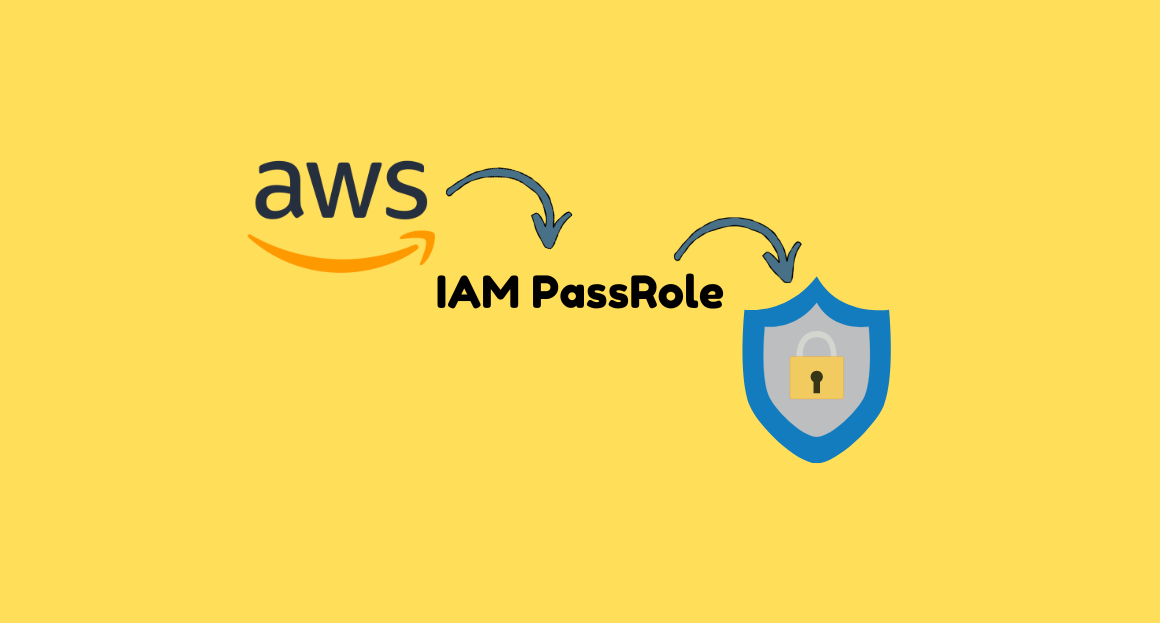
iam:PassRole is an IAM permission that lets a user or service attach an IAM role to an AWS service.
Think of it like this:
“You are allowed to hand over this role to this AWS service, and it will act using the permissions of that role.”
- You are not assuming the role
- You are passing it to a service
Why is PassRole Needed?
Whenever a service needs to use a role you created, AWS requires the caller to have PassRole permissions.
Example actions that require PassRole:
| AWS Services | Why PassRole is Needed |
|---|---|
| EC2 | Launch instance with an IAM instance profile |
| Lambda | Assign execution role to a Lambda function |
| ECS/EKS | Attach task role or service role |
| CodeBuild | Use IAM role for builds |
| Glue | Attach IAM role for jobs |
| SageMaker | Use a role for training jobs |
| CloudFormation | Use a service role for deployments |
Let’s break this down using a simple IAM PassRole analogy.
- Steve → An IAM user
- EC2Role → A service role that can be assumed by an EC2 instance
When Steve launches an EC2 instance, he assigns (passes) the EC2Role to the EC2 service. At this stage, AWS performs a permission check:
Is Steve authorized to pass this specific role to the EC2 service?
If Steve has the required permission, the EC2 instance is created successfully with the assigned role.
If Steve does not have permission, AWS denies the request and returns an error similar to:
User: arn:aws:iam::321456987012:user/Steve is not authorized to perform: iam:PassRole on resource: arn:aws:iam::321456987012:role/EC2RoleKey takeaway
To attach a role to an EC2 instance, Steve must explicitly be allowed to pass that role using the iam:PassRole permission.
Below is an example IAM policy that allows Steve to launch EC2 instances and pass the EC2Role to the EC2 service:
{
  "Version": "2012-10-17",
  "Statement": [
    {
      "Effect": "Allow",
      "Action": ["ec2:*"],
      "Resource": "*"
    },
    {
      "Effect": "Allow",
      "Action": "iam:PassRole",
      "Resource": "arn:aws:iam::321456987012:role/EC2Role"
    }
  ]
}
In short, EC2 permissions alone are not sufficient, iam:PassRole is required to attach an IAM role to an EC2 instance.
Why is IAM PassRole Important for Security?
Because once a user passes a role to a service, that service can perform actions with the role’s permissions, not the user’s.
Example
- A user has only read-only access.
- They pass a highly privileged IAM role to Lambda.
- Lambda executes privileged actions (like deleting S3 buckets).
- The user effectively escalates privileges indirectly.
This is why PassRole is one of the most common vectors for privilege escalation in AWS.
Real Example of a Privilege Escalation Attack via PassRole
Assume a developer has:
{
  "Action": "iam:PassRole",
  "Resource": "*"
}
But they are only supposed to manage ECS tasks.
They could:
- Create a Lambda function
- Pass an Administrator role to it
- Invoke that Lambda
- The Lambda executes with full admin rights
- Developer escalates privileges → full account takeover
This is why AWS and security guidelines strongly recommend never granting wildcard PassRole permissions.
Best Practices to Secure IAM PassRole
- Never Use Wildcards
BAD:
"Resource": "*"GOOD: Explicitly list allowed roles:
"Resource": [
  "arn:aws:iam::321456987012:role/ECSExecutionRole",
  "arn:aws:iam::321456987012:role/ECSTaskRole"
]- Use Condition Keys (
iam:PassedToService)
This limits which AWS service a role may be passed to.
{
  "Effect": "Allow",
  "Action": "iam:PassRole",
  "Resource": "arn:aws:iam::321456987012:role/ECSExecutionRole",
  "Condition": {
    "StringEquals": {
      "iam:PassedToService": "ecs-tasks.amazonaws.com"
    }
  }
}
- Tag IAM Roles & Enforce Access via Tags
{
  "Effect": "Allow",
  "Action": "iam:PassRole",
  "Resource": "*",
  "Condition": {
    "StringEquals": {
      "iam:ResourceTag/Service": "ECS"
    }
  }
}- Use Permissions Boundaries for Teams
Developers can create roles, but the permissions boundary ensures:
- They cannot create overly permissive roles
- They cannot pass roles outside the boundary
This prevents privilege escalation even in self-service environments.
- Restrict Who Can Create/Update IAM Roles
Combine with:
iam:CreateRoleiam:UpdateAssumeRolePolicyiam:PutRolePolicy
This ensures only platform/security teams manage roles.
- Use AWS Organizations SCPs
At org-level:
- Prevent passing privileged roles entirely
- Or restrict passing roles only approved by security team
{
  "Effect": "Deny",
  "Action": "iam:PassRole",
  "Resource": "*",
  "Condition": {
    "ArnNotLike": {
      "iam:ResourceTag/ApprovedBy": "SecurityTeam"
    }
  }
}
- Auditing PassRole Misconfigurations
IAM PassRole lets users assign specific IAM roles to AWS services like ECS, Lambda, or EC2. If misconfigured (e.g., wildcard PassRole), users can escalate privileges by passing powerful roles to resources. Always restrict PassRole to specific role ARNs and specific services using
iam:PassedToServicefor secure AWS environments.
Subscribe to Blog via Email
Enter your email address to subscribe to
this blog and receive notifications of new posts by email.